The game was built for consoles with a very different architecture
The PC conversion was completed quickly, and the game handles some work in its own way that a graphics driver would now perform.
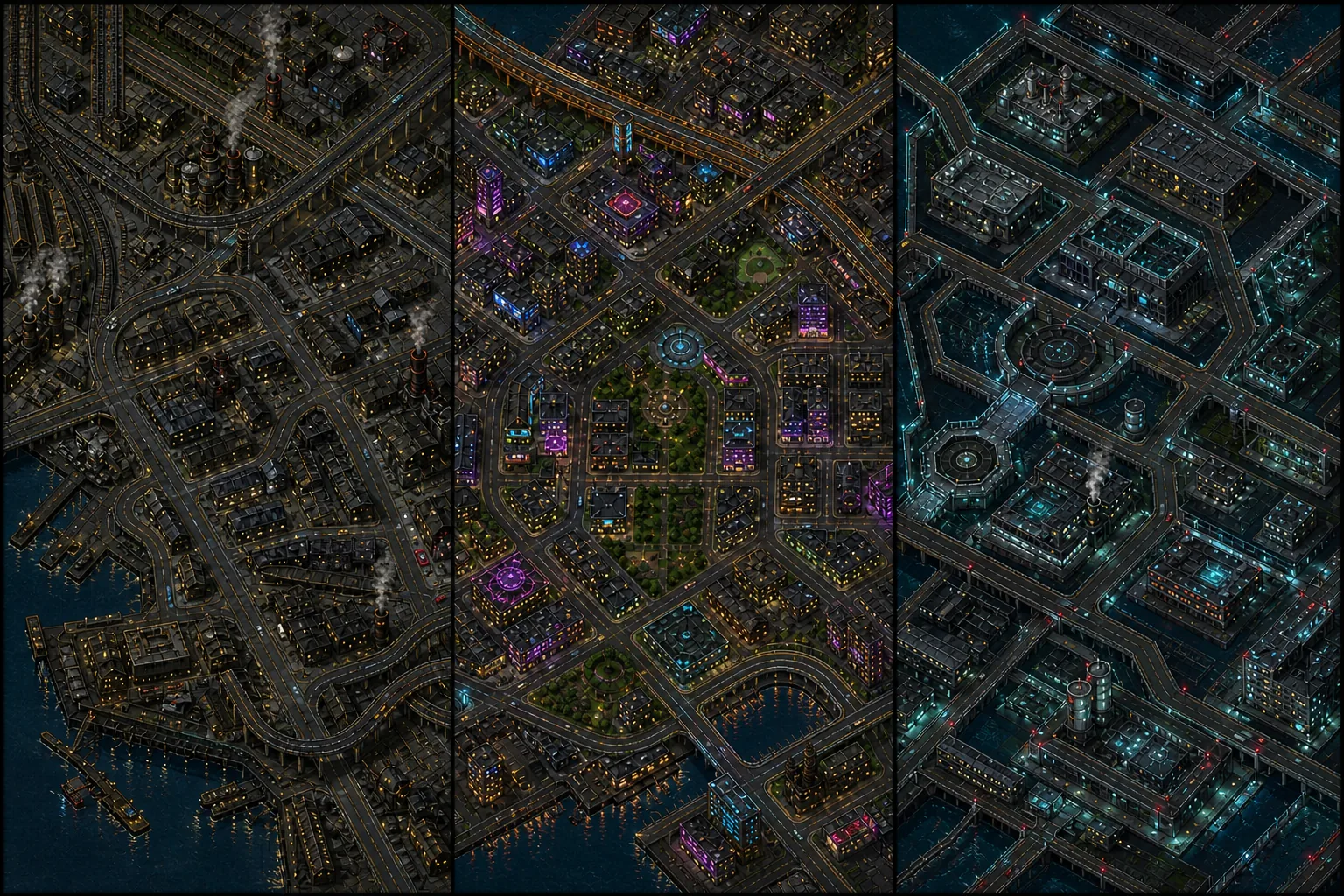
The PC version of GTA IV has a reputation as the poorest-running entry in the series. The reputation is not undeserved, and it has specific causes that can largely be mitigated.
We do not give specific frame rates: they depend on the system, game version and whether you have Complete Edition or an older build. We explain the causes and remedies.
Four causes that add together
The PC conversion was completed quickly, and the game handles some work in its own way that a graphics driver would now perform.
GTA IV cannot distribute its work across a modern multi-core processor. A faster processor with fewer cores often helps more than the reverse.
View Distance and Detail Distance are by far the most demanding settings. Even current hardware cannot run them smoothly at maximum.
The 2020 edition lost numerous radio tracks because licences expired. This does not affect performance, but it does affect the atmosphere.
Ordered by impact
Set it to roughly half. Beyond that, the cost rises faster than the visible improvement.
It determines how far away the game draws objects. In the city, that means hundreds of additional buildings.
Set it below View Distance. It controls how far away objects appear at full quality.
Together with View Distance, it forms the pair that affects performance more than anything else.
Use medium. The highest setting is disproportionately expensive in this game.
Shadows are calculated for every light source, and Liberty City is full of them.
Use roughly one third. Higher values tax the processor rather than the graphics card.
Every additional car creates work for a core that is already heavily loaded.
Keep the native resolution. GTA IV is limited elsewhere.
The bottleneck is the processor and draw distances, not the number of pixels.
The 2020 Complete Edition differs from the original game in behaviour and mod support. Most older guides describe the original version and do not apply to Complete Edition.
The game's physics is tied to frame rate. At very high values it behaves unpredictably: cars bounce and collisions are calculated incorrectly.
The visual difference is small and the performance cost enormous. Raise them only temporarily for a particular image.
GTA IV streams the city while you drive. On a slow drive this appears as stuttering that resembles poor performance but has another cause.
Euphoria physics is the game's main technical distinction, and an ordinary fall down a flight of stairs shows it particularly clearly.